 Beginner
Digital Skills Basics
Build a strong foundation in digital literacy. Learn to navigate your device, manage files safely, use email confidently, and stay protected online.
Vylorix is a structured, ethical online learning platform created specifically for seniors and retirees. No jargon, no pressure — just clear, practical lessons that build real understanding.

We've built every course with seniors in mind. Each step is designed to reduce confusion and build genuine confidence with technology.
Browse our small, carefully curated catalogue. Each course clearly shows what you'll learn and how long it takes.
No deadlines, no pressure. Start and stop whenever you like. Lessons are short and focused — typically 10 to 20 minutes each.
Each lesson includes practical exercises so you can immediately apply new skills in real-life situations.
Our friendly team is reachable by phone and email. You will never be left stuck with a technical question.
Every Vylorix course is written in plain language with seniors in mind. No technical background required.
Beginner
Build a strong foundation in digital literacy. Learn to navigate your device, manage files safely, use email confidently, and stay protected online.
 Beginner
Discover the essential tools of modern online communication: email, video calls, document sharing, and safe browsing — taught step-by-step.
 Beginner
Perfect first step for anyone new to computers and the internet. Learn foundational skills in a calm, structured environment.
 Beginner
Email, video calls, file sharing, and safe browsing — everything you need to stay connected and informed online.
Our curriculum is designed as a natural progression. Here's how learners typically grow across key digital skill areas through our courses.
Average skill confidence level after completing Vylorix courses
Based on self-reported learner confidence surveys. Results vary by individual.
Practical, honest reading on digital learning, online safety, and working from home — written in plain English for real people.

Online Safety
How to identify trustworthy websites, avoid common scams, and protect your personal information every time you go online.

Work & Life
An honest, grounded look at what online work actually involves — skills required, realistic expectations, and where to start.
Tools & Tech
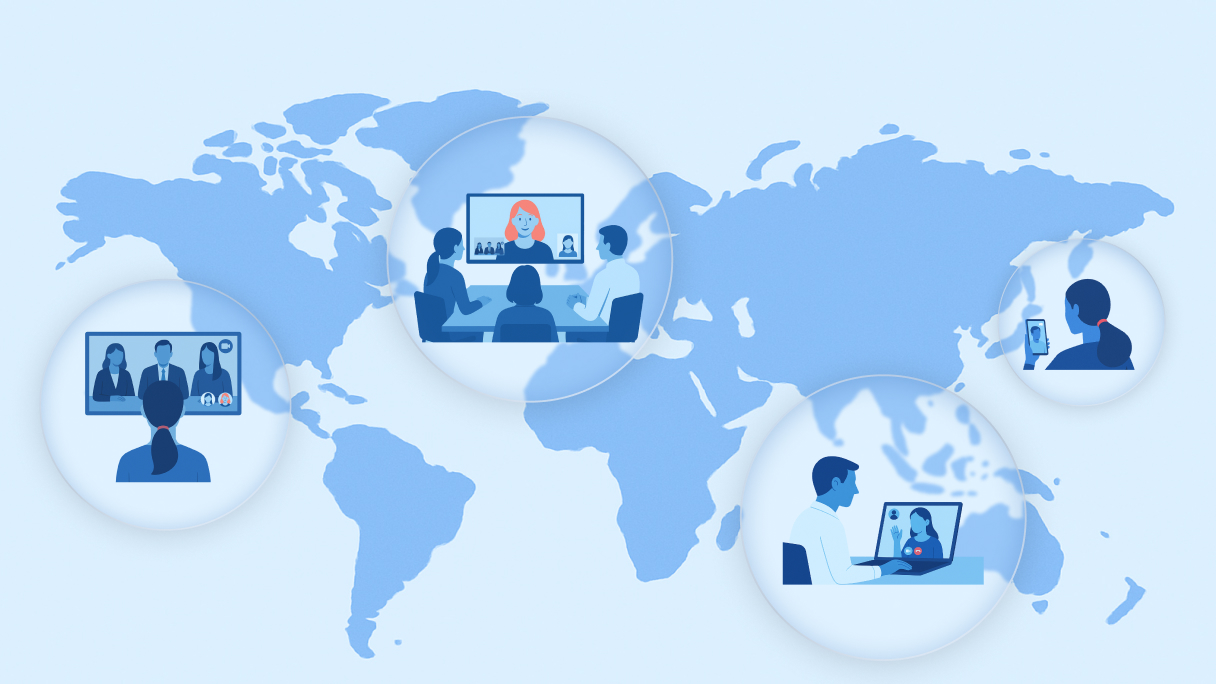
Step-by-step introductions to Zoom, Google Meet, shared documents, and email attachments — without the confusion.
Real words from real people — seniors and retirees across Canada who have built their digital confidence with Vylorix.
Our educators are experienced professionals with a genuine passion for making digital learning accessible to people of all ages.

Lead Instructor — Digital Literacy
Former secondary school teacher with 22 years of experience. Linda developed Vylorix's core curriculum with a focus on patience and clarity.
Technology Instructor
IT professional with 15 years in the field. James specialises in explaining complex software tools in simple, step-by-step terms.

Online Safety Specialist
Cybersecurity educator and advocate. Susan wrote Vylorix's online safety modules and articles on protecting yourself from scams.

Learner Support Coordinator
David oversees all learner enquiries and ensures that every person who reaches out gets a helpful, prompt, and human response.
Browse our courses — they're free to start, clearly structured, and designed for people exactly like you.

A foundational course for anyone new to computers and the internet. Learn how to use a device safely, send emails, organise files, and protect yourself from online scams.

Learn how to use the core tools of modern online communication. From setting up email accounts to making your first video call, this course covers everything step by step.