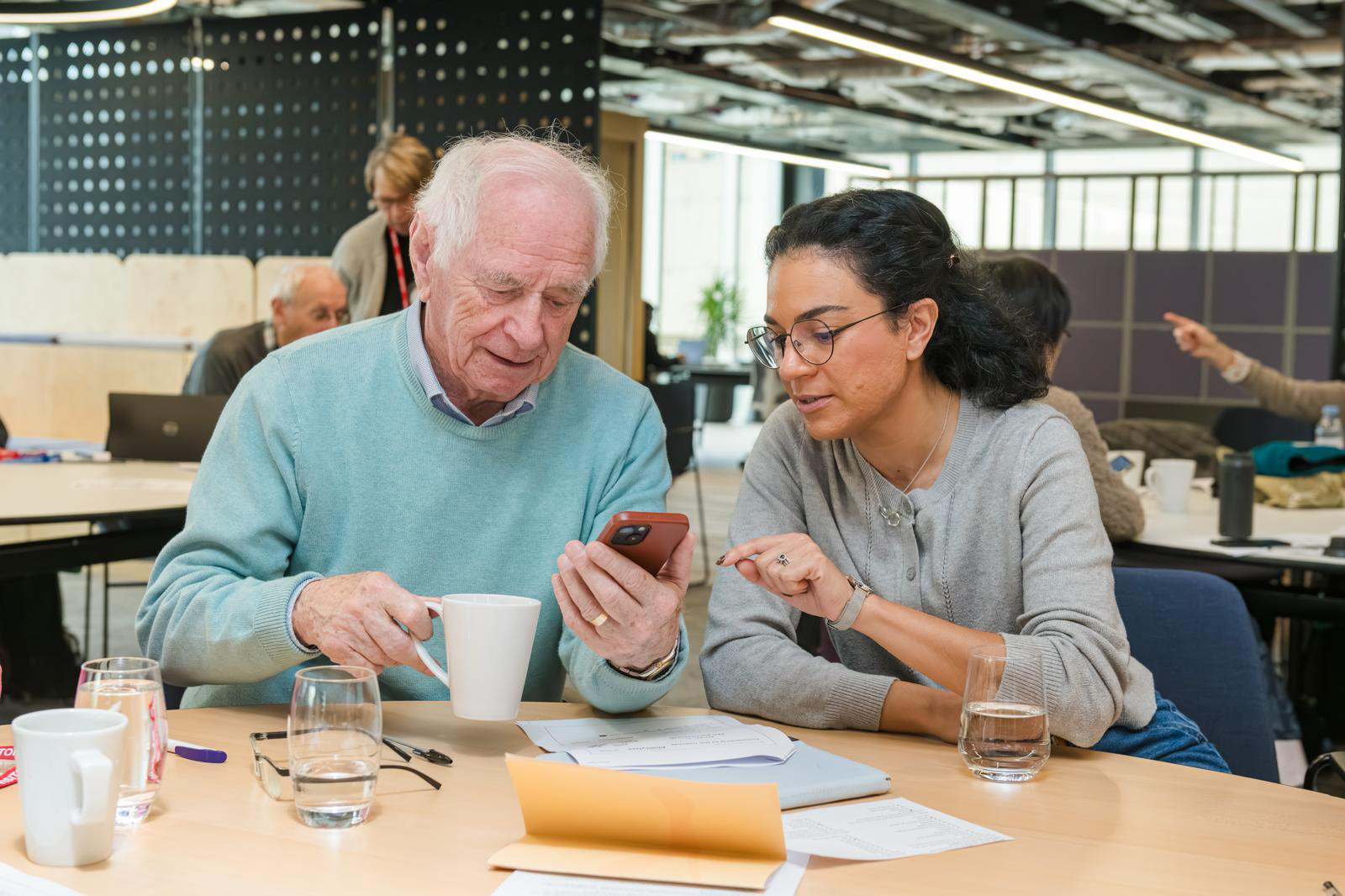
Starting From the Very Beginning
There is no shame in being new to something. Every expert began as a beginner. Digital Skills Basics is designed for people who are taking their first real steps with computers, tablets, or smartphones — or who have been using a device for years but still feel unsure about many of the things it can do.
This course does not assume any prior knowledge. It begins at the absolute beginning — how a computer works, what each part does, and how to navigate a screen comfortably — and builds from there in careful, manageable steps. By the time you complete all twelve lessons, you will have a solid foundation that makes every other digital skill easier to learn.
Why a Foundation Matters
Many people who struggle with technology haven't been taught the underlying ideas — they've simply been given instructions to follow, without understanding why those instructions work. When something goes slightly differently from what they were told, they feel lost.
This course takes a different approach. We explain the "why" behind every step. When you understand why a file needs to be saved, or why a password should be long and varied, you'll be able to handle new situations you've never seen before — because you understand what's actually happening.
What You Will Learn
The course is organised around six broad topic areas, each covered in two focused lessons:
- Understanding Your Device: Hardware components, operating systems, and how to navigate a screen
- File Management: Creating, naming, organising, and finding files and folders
- The Internet: How the web works, what a browser does, and how to search effectively
- Email: Sending, receiving, organising, and managing your inbox responsibly
- Online Safety: Passwords, scam recognition, privacy settings, and safe downloading
- Staying Updated: Software updates, backups, and keeping your device running well
The Vylorix Approach to Digital Education
We believe that good digital education should be honest, accessible, and grounded in real-world use. We do not inflate our courses with buzzwords or make the subject sound more exciting than it is. Computers and the internet are tools — useful ones — and the goal is for you to use them comfortably and confidently in your daily life.
Every lesson at Vylorix is written with a single reader in mind: someone who is intelligent and capable, but who hasn't spent decades surrounded by technology. We respect your time, your intelligence, and your right to learn at your own pace.
"The first module helped me understand why my computer was slow — something I'd wondered about for years but never knew how to fix. I felt more capable after just the first two lessons." — Course learner, Mississauga, ON
Practical Philosophy
We believe that digital skills — like any skills — are best built through practice, not passive reading. That's why each lesson in this course ends with a short, practical activity. These activities are safe, simple, and designed to reinforce what you've just learned without putting you at any risk.
For example, after the lesson on file management, you might be asked to create a folder on your desktop, give it a name, and move a file into it. After the lesson on email, you might send a short message to yourself. These small exercises build real muscle memory.
Online Safety: A Core Theme
Online safety is not an afterthought in this course — it is a thread woven through every module. As early as Lesson 1, we introduce the idea of being thoughtful about what you click and where you enter personal information. By Lesson 10, you'll have a thorough, practical understanding of how to protect yourself online.
This matters especially for seniors, who are unfortunately targeted disproportionately by online scammers. We address this directly and without sensationalism — giving you the knowledge to recognise threats and the confidence to deal with them calmly.
Technical Requirements
You need a device (computer, laptop, tablet, or phone) with internet access. No special software is required. The course is readable in any modern browser. If you have a question about whether your device is compatible, please contact us — we're happy to help.
Full Course Curriculum
- Lesson 1.1 — Parts of a computer and what they do
- Lesson 1.2 — Navigating Windows or macOS: your first steps
- Practice: Customise your display settings for comfortable reading
- Lesson 2.1 — What files are and how to create, rename, and move them
- Lesson 2.2 — Organising your documents so you can always find them
- Practice: Create a personal folder system for your documents
- Lesson 3.1 — What the internet is and how browsers work
- Lesson 3.2 — How to search effectively and evaluate what you find
- Practice: Bookmark five useful websites
- Lesson 4.1 — Writing and sending a clear, professional email
- Lesson 4.2 — Managing your inbox: reply, forward, delete, and organise
- Practice: Compose and send an email to a family member
- Lesson 5.1 — Strong passwords and account security
- Lesson 5.2 — Identifying scams, phishing, and suspicious websites
- Practice: Check and improve your most important passwords
- Lesson 6.1 — Software updates: why they matter and how to do them
- Lesson 6.2 — Backing up your data so you never lose important files
- Practice: Set up an automatic backup schedule